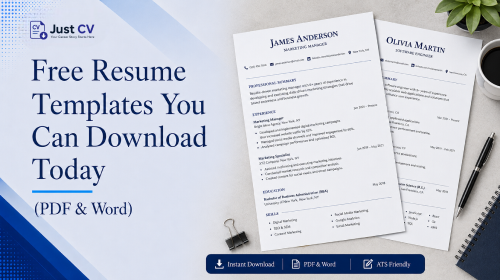
Looking for resume templates for free download that actually open the way you expect? Most galleries make you guess. This guide shows exactly what to check first, then gives you five templates by style simple, ATS-safe, modern, one-column, and compact each ready to build and export as a real PDF or Word file.
What to Check Before You Download
Before you download any “free” resume template, it’s worth knowing what you’re actually getting. A lot of galleries advertise free and then add a catch once you click through.
Here’s what to look for:
- Sign-up wall. Can you preview and customize a template before signing up, or is an account required first?
- Watermark. Does the exported file carry a visible logo or “sample” mark across it, or is the download clean?
- File format lock. Is the template only available as an image or a locked PDF, or can you actually edit it in Word or Google Docs?
- ATS compatibility. Does the layout use a real, selectable text layer, or is it a flattened design that an applicant tracking system can’t parse?
- Column structure. If the template uses columns, does each section (Experience, Skills) stay fully inside one column, or does content split across columns in a way that scrambles ATS reading order?
Most resume template galleries don’t answer these questions upfront you only discover the answers after you’ve already invested time building your resume. That’s the gap this page is built to close: an honest checklist first, a real template gallery second.
Templates by Style
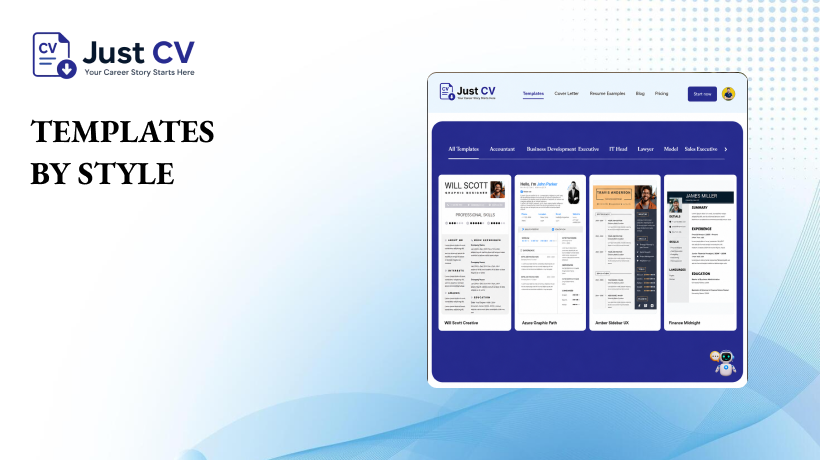
Every template below can be customized and exported directly from the JustCV editor, no extra files or downloads required.
1. Simple Template
A clean, single-column layout with clear section headers. A versatile format that suits most industries and looks great on any device. Pairs with our full guide to the simple resume format if you want the reasoning behind each choice.
2. ATS-Safe Template
Built with a real text layer and a clean single-column layout, making it easier for applicant tracking systems to scan and parse your resume accurately. See what actually passes the ATS filter for the specific formatting rules this template follows.
3. Modern Template
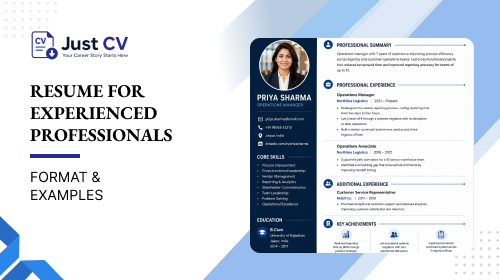
A slightly more visual layout -subtle color accents and typographic hierarchy -while still keeping contact information in the document body, not a header or footer some parsers skip.
4. One-Column Template
A single-column layout is the safest choice for ATS, reducing the risk of parsing errors. It’s a reliable option for applications submitted through large-company career portals.
5. Compact Template
Tighter spacing designed to fit more experience onto a single page without shrinking text below a readable size- useful if you have a longer work history to present.
Every style above builds inside JustCV’s editor and exports to a real PDF with a genuine text layer – free means the export is actually usable, not a locked preview.
[Editorial note – not for publish: a real screenshot of a JustCV template export belongs in this section once available. Currently omitted rather than faked, since JustCV is pre-launch.]
PDF vs. Word vs. Google Docs
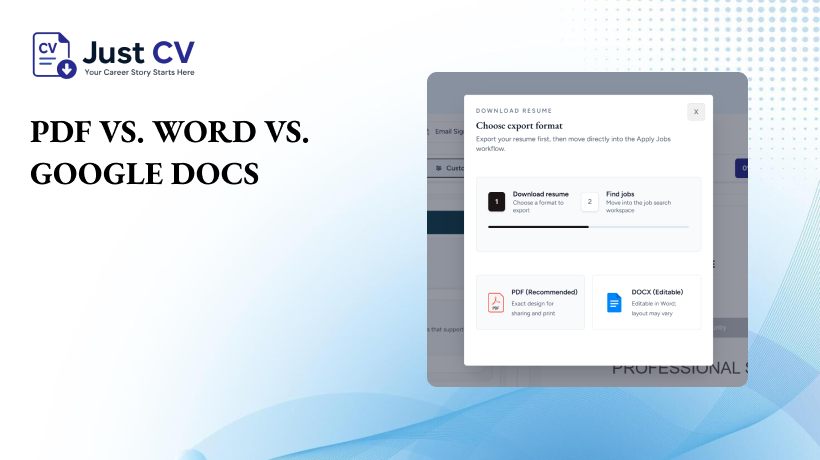
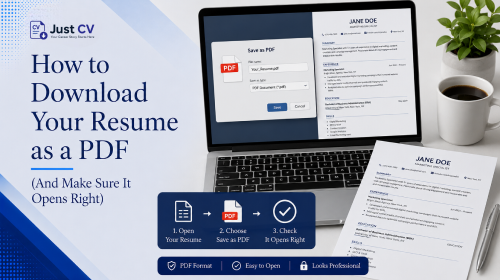
Which format you download often matters more than which style you pick. Here’s the short version for the full breakdown, see how to download your resume as a PDF and make sure it opens right. [Internal link: PDF Download Guide post not yet published, see checklist]
| Format | Best for | Watch out for |
|---|---|---|
| Most online applications and ATS uploads | Some older ATS software struggles with heavily designed PDFs – keep layouts simple | |
| Word (.docx) | Employers who ask for an editable file, or recruiters who edit before forwarding | Formatting can shift slightly across different Word versions |
| Google Docs | Great for quick edits and easy collaboration during the application process | Most employers prefer a PDF for final submissions, so export your resume before applying. |
If an application doesn’t specify a format, PDF is the safer default it preserves your layout exactly as built.
A Note on What Competitor Galleries Leave Out
Large template galleries including resume.io’s rank well for resume templates for free download largely on domain authority and page volume. What they typically don’t include is guidance on the checklist above: whether a download requires sign-up, whether it carries a watermark, or whether the format opens correctly across devices. This page pairs the gallery with that missing context, so you’re not choosing a template blind.
Ready When You Are
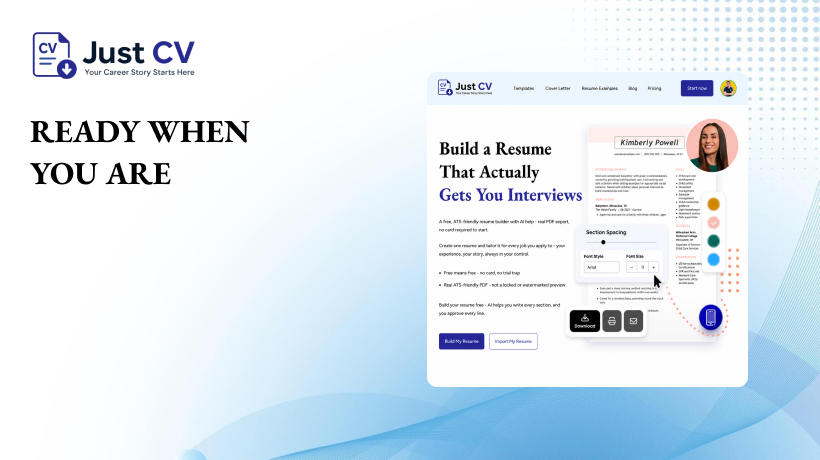
Every template on this page builds inside JustCV’s editor and exports free a real PDF, not a locked preview. There’s no requirement to commit to anything before you see your own resume take shape.
Explore Templates
FAQs
Are Resume Templates Really Free to Download?
Yes. Every resume you create in JustCV’s free editor can be exported as a real, downloadable PDF never a locked preview or watermarked sample. There’s no hidden step where a genuinely free template suddenly requires payment to unlock the file.
Do You Need an Account to Download a Resume Template?
You can preview and build your resume before creating a full account. An account is used to save your progress and enable the final export, which is standard for keeping your resume editable later.
Will my free template have a watermark on it?
No. A free JustCV export is a clean file no logo, no “sample” text layered across the design.
Should You Download Your Resume as a PDF or Word Document?
PDF is the best choice for most online applications because it keeps your formatting and layout intact. Choose Word only if an employer specifically asks for an editable file.
Are these templates ATS-friendly?
Each template keeps a real, selectable text layer and avoids splitting sections across columns, which are two of the most common reasons an ATS misreads a resume.
Can I edit a template after downloading it?
Yes. Word and Google Docs exports remain fully editable. PDF exports are best treated as your final, submission-ready copy rather than a working draft.
What’s the difference between a “simple” and an “ATS-safe” template?
A simple template prioritizes clean, easy reading for a human reviewer. An ATS-safe template is built specifically around parsing rules – single-column structure and contact details in the document body – so both a person and a screening system read it correctly.