You wrote a solid resume. Real experience, real results, no typos. You click “Submit”… then hear nothing. No rejection email with a reason. No feedback. No response just a “Not Selected” update a few weeks later.
If you’re not hearing back after applying, your resume may be the problem not your skills. It’s about a piece of software called an Applicant Tracking System (ATS) misreading your resume before a human ever opens it. The filter breaks on formatting it can’t parse not on whether you’re qualified. That’s a flaw in the filter, not a reflection of your experience.
This guide explains, in plain language, why that happens and what to actually do about it including which ATS friendly resume templates are built to survive the filter instead of getting scrambled by it.
What Happens After You Submit Your Resume?
Your resume is scanned by software before a recruiter ever opens it. It scans and organizes your information first. It’s running a process closer to data entry: it scans the document, tries to identify sections like “Work Experience” and “Education,” pulls out dates, job titles, and skills, and stores all of it in a database the recruiter can later search.
That process only works if the software can tell where one piece of information ends and the next begins. Give it clean, predictable structure, and it extracts your details accurately. Give it a layout built for visual appeal rather than machine-reading, and it can misfile your job titles, drop your most recent role, or skip your contact details entirely and you’ll never know which one happened.
Why the Rejection Feels Invisible (And Why That’s Not Your Fault)
Here’s the part that makes this so frustrating: most ATS platforms don’t tell you what went wrong. Your application status just says “under review” and then, eventually, changes to something less encouraging. There’s no error message that says “we couldn’t find your job history” or “your skills section didn’t parse.”
That silence makes it easy to start blaming the wrong thing your experience, your wording, your qualifications when the real issue was a design choice made before you ever wrote a single bullet point. A strong candidate with a beautifully designed but parser-unfriendly resume can lose to a less experienced candidate whose resume simply happened to be readable by the software. That’s a genuine flaw in how hiring technology works, not a verdict on your career.
Understanding this doesn’t just explain the silence it hands you back some control. If formatting is the actual gatekeeper, formatting is also the thing you can fix in an afternoon.
The Single-Column vs. Multi-Column Problem, Explained Simply
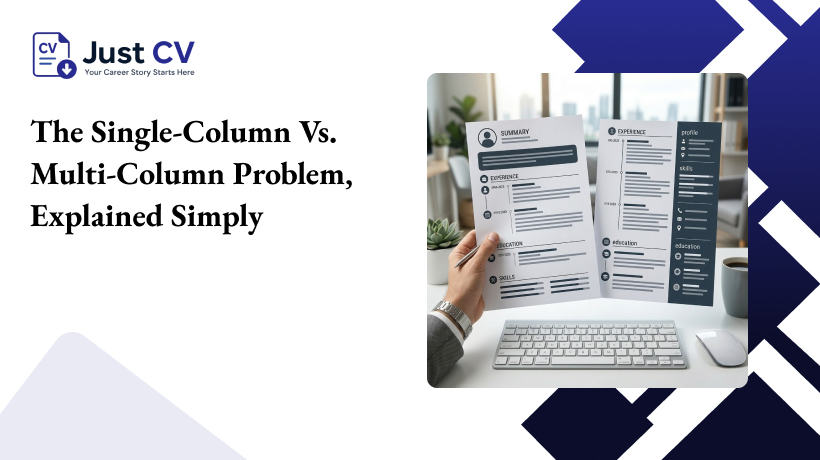
This is the single biggest formatting decision on your entire resume, and it’s worth understanding properly instead of just being told to “avoid columns.”
Picture how a parser reads a page: top to bottom, left to right, one line at a time the same way you’d read a plain text document. A single-column resume is easy for recruiters to read. Your name, then your summary, then your first job, then your second job everything flows in the order a human would expect too.
A two-column resume, with skills or contact details in a side section, looks clean and modern. But a parser doesn’t understand “sidebar” and “main column” as separate visual regions. It often reads straight across the page, meaning it can pull a line from your sidebar and glue it onto a sentence from your main column, producing a jumbled, meaningless mess in the extracted data. Job titles get mixed with skill names. Dates attach to the wrong role. Sometimes an entire section gets skipped altogether because the parser couldn’t figure out where it belonged.
This is exactly why JustCV’s templates are built with sections that stay fully unsplit no sidebars, no side-by-side columns, no design elements that break a section in two. Every section reads as one continuous block, top to bottom, the way the parser expects it. It’s a small design constraint with an outsized effect on whether your information actually reaches a recruiter’s search results.
The 5-Rule ATS-Safe Formatting Checklist
Before you touch the wording of your resume, run it past these five formatting rules. Get these right first content improvements don’t matter if the parser can’t read the document in the first place.
01. Use a single-column layout, no exceptions
Keep your entire resume in one continuous column. No sidebars, no side-by-side skill and experience blocks, no two-column “modern” designs however clean they look on screen.
02. Stick to standard section headings
Use “Work Experience,” “Education,” “Skills,” and “Summary.” A parser is matching your headings against a known list of labels creative alternatives like “My Journey” or “What I Bring” simply won’t match anything, and the content underneath can get dropped.
03. Keep contact details in the main body, never in a header or footer
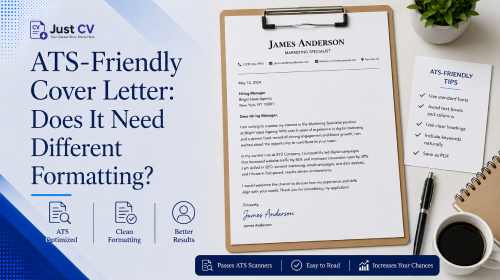
Many parsers skip header and footer regions of a document entirely. Your name, phone number, and email should sit as the very first lines of the main text, not tucked into a page header.
04. Avoid tables, text boxes, and graphics
A table cell can get read out of order, and text inside a text box or an image is often invisible to the parser altogether. Keep everything as plain paragraphs and simple bullet points.
05. Use standard fonts and simple bullets
Fonts like Arial, Calibri, Georgia, or Times New Roman render consistently everywhere. Stick to plain round bullets or hyphens decorative icons or custom symbols can turn into stray, unreadable characters.
If your current resume fails even one of these, it’s worth fixing before you send out another application regardless of how strong the content underneath is. This is exactly the gap that well-built ats resume templates are designed to close before you even start writing.
Templates Built Around This Checklist
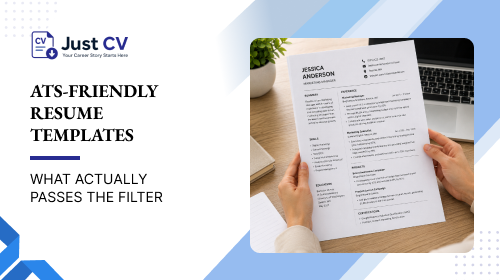
Rather than trying to retrofit a design-forward template into something parser-safe, it’s usually faster to start from ats friendly resume templates that were already built with these five rules in mind. A few worth pointing you to directly:
Classic template: A traditional single-column, reverse-chronological layout that suits steady work histories and conservative industries like finance, law, or healthcare.
Modern template: Clean and contemporary without sacrificing parseability, a solid general-purpose choice when you’re not sure which ATS a company is using.
Hybrid template : Leads with a skills section before your work history, which works well for career changers or anyone whose skill set is broader than their most recent job title suggests.
Compact template : Built for a longer work history that still needs to fit cleanly on one page, without introducing the dense multi-column layouts that tend to break parsing.
Every one of these keeps sections unsplit, uses standard headings, and skips the visual flourishes that look nice but confuse the software reading it first. Each of these ats resume templates is also available as a Word file and as one of our google docs resume templates, so you can edit directly in whichever tool you’re already comfortable with.
What to Do After You Pick a Template
Choosing the right structure solves the technical half of the problem but it’s still worth pairing it with a few content habits that keep the rest of the resume working in your favor:
01. Mirror the job posting’s language
If the listing says “cross-functional collaboration,” use that exact phrase rather than a synonym like “team coordination.” Keyword matching in most ATS platforms is fairly literal.
02. Spell out acronyms the first time
Write “Project Management Professional (PMP)” once, so both the short and long form are searchable.
03. List skills explicitly, in their own section
Don’t assume the software will infer your skills from context a dedicated Skills section gives it something concrete to match against.
04. Use one consistent date format throughout
Something like “Jan 2023-Present” keeps employment gaps and tenure calculations accurate.
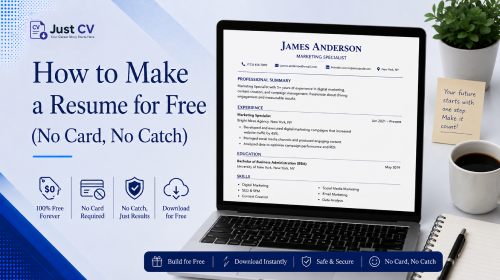
If you want to see how a finished, filled-in resume looks using this structure, the resume examples page has real examples built on these same ats resume templates, whether you end up working from a Word file or one of our google docs resume templates.
An ATS Friendly Resume for Freshers Matters Even More
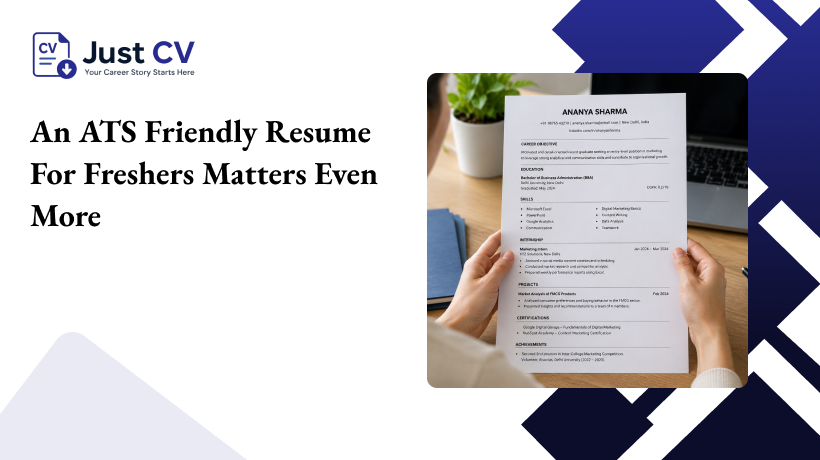
If you’re applying for your first job, or you’re watching every rupee or dollar while job hunting, this filter problem hits harder than it should. An ats friendly resume for freshers isn’t a nice-to-have without years of a strong network to fall back on, you’re relying on the resume itself to open the door. Losing an opportunity to a parsing glitch instead of a genuine skills mismatch is a frustrating way to lose ground you can’t easily make up elsewhere.
The upside is that fixing this costs nothing but a bit of attention. You don’t need a paid resume consultant or an expensive redesign building an ats friendly resume for freshers just needs a template that was already built to survive the parser, and a short list of formatting habits to follow going forward. Once that foundation is in place, every application you send benefits from it, not just the next one.
Common Formatting Habits That Quietly Sabotage a Resume
A few extra patterns are worth flagging, since they show up often even on resumes that otherwise follow the five core rules above:
01. Creative section names that sound clever but mean nothing to a parser
“Where I’ve Been” instead of “Work Experience” might read well to a person, but the software is matching against a known list of labels, and an unfamiliar heading often means the content beneath it gets ignored entirely.
02. Mixed date formats across different jobs
Switching between “Jan 2023” and “01/2023” and “2023-Present” within the same document can confuse how a parser calculates your total experience or flags employment gaps.
03. Uncommon or decorative fonts used for emphasis
A stylish script font on your name might look elegant, but some parsers render unusual fonts as garbled placeholder characters instead of actual letters.
04. Overly narrow margins to squeeze onto one page
Slightly tighter margins are fine, but pushing them too far can sometimes affect how cleanly text blocks are recognized, especially in text-based PDFs.
None of these mistakes are complicated to fix they just tend to hide in plain sight because they don’t look like formatting problems at first glance.
Frequently Asked Questions
1.What are the best ATS friendly resume templates to use?
Single-column templates with standard headings and no tables or graphics Classic, Modern, Hybrid, and Compact all follow this structure.
02. Are there ATS resume templates designed specifically for freshers?
Yes, an ats friendly resume for freshers leads with education and skills instead of a long work history. The Hybrid template works well here.
03. Can I use Google Docs resume templates and still be ATS-friendly?
Yes, as long as it’s single-column with standard fonts and no embedded tables or graphics. JustCV’s google docs resume templates follow these rules by default.
04. Why did my resume get rejected with no explanation?
Most ATS platforms don’t share a reason the status just updates. Often it’s a formatting issue, not your qualifications.
05. Are two-column resume templates ever safe for online applications?
Generally no. Parsers often read straight across the page, scrambling which content belongs to which column.